


How to add a certificate to LinkedIn 🔗
1. To add a certificate to LinkedIn, click Add to profile on your certificate page

2. In Issuing organization*, find Vlada Sova in the search

3. In Credential ID, copy and paste the ID number from your certificate

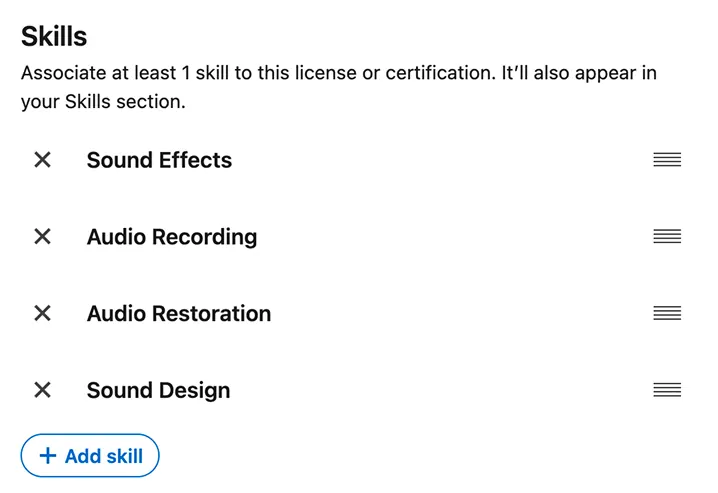
4. In the Skills section, add relevant key skills, for example:
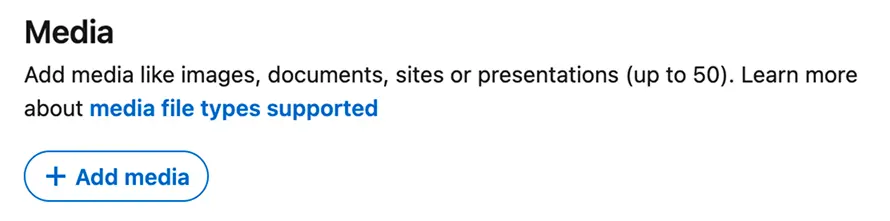
5. Add the PDF file of the certificate to Media
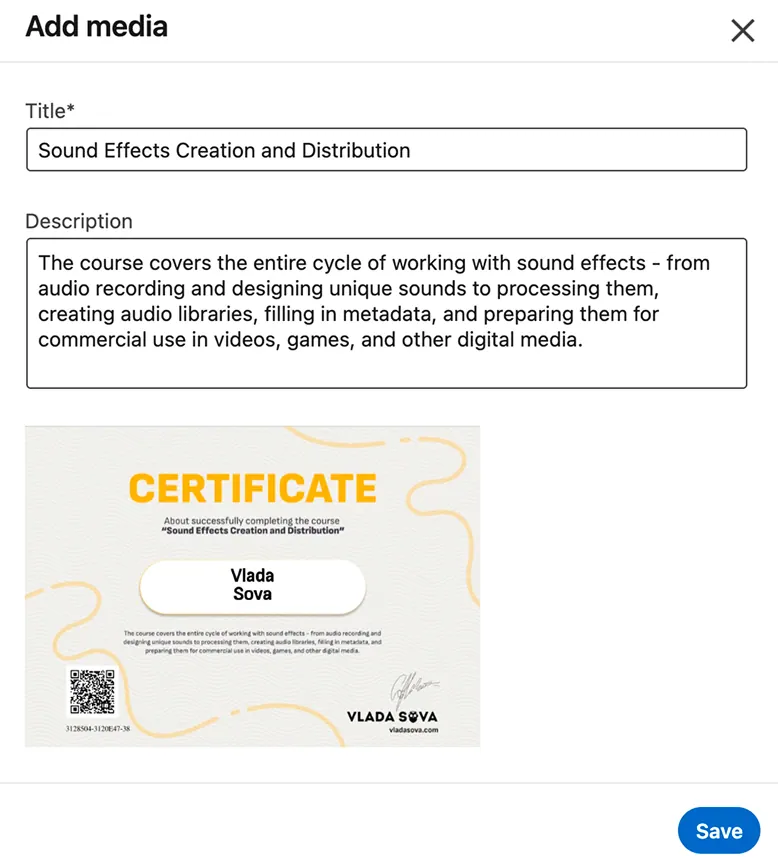
6. Add a title and description, for example:
"Sound Effects Creation and Distribution"
The course covers the entire cycle of working with sound effects - from audio recording and designing unique sounds to processing them, creating audio libraries, filling in metadata, and preparing them for commercial use in videos, games, and other digital media
7. Save your changes and publish your certificate 🎓
8. You can also share your certificate on any social media platform
9. If you decide to share on Instagram, don't forget to tag my page @vlada_sova